Asset Types
Overview
Asset Types define the categories used to classify company assets (e.g. Laptop, RAM, Monitor). Proper classification keeps asset records consistent and makes reporting, tracking, and lifecycle management more efficient.
Asset Management → Asset Types
Asset Types Page
The Asset Types page displays all configured asset categories. Each record shows:
- Name — The asset category name
- Description — A brief description of the type
- Active — Whether the type is currently active (
Yes/No)
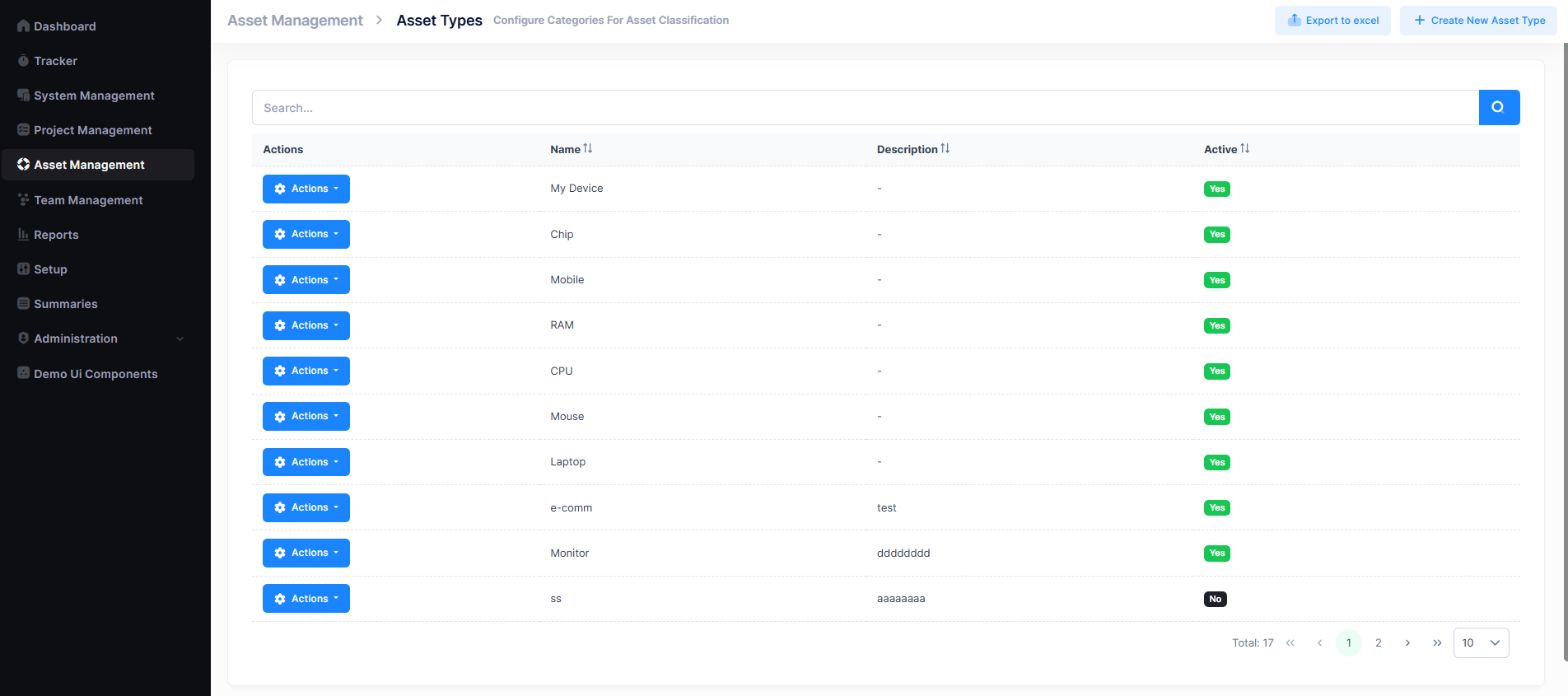
A search bar is available to filter types by name, and pagination controls help navigate through multiple records. The list can also be exported to Excel using the Export to Excel button in the top-right corner.
Create an Asset Type
- Navigate to
Asset Management → Asset Types. - Click + Create New Asset Type.
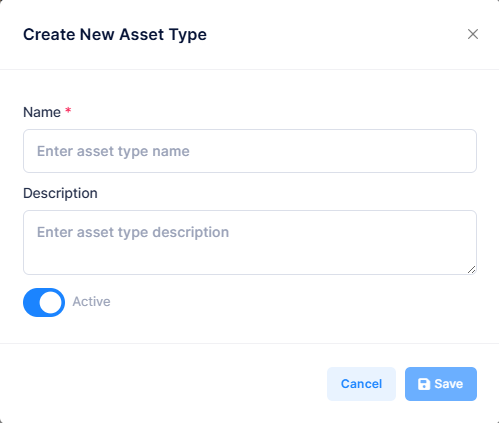
- Fill in the required fields and click Save.
| Field | Description |
|---|---|
| Name | Category name (e.g. Laptop, Printer) |
| Description | Brief description of the asset type |
| Status | Active or Inactive |
Actions Menu
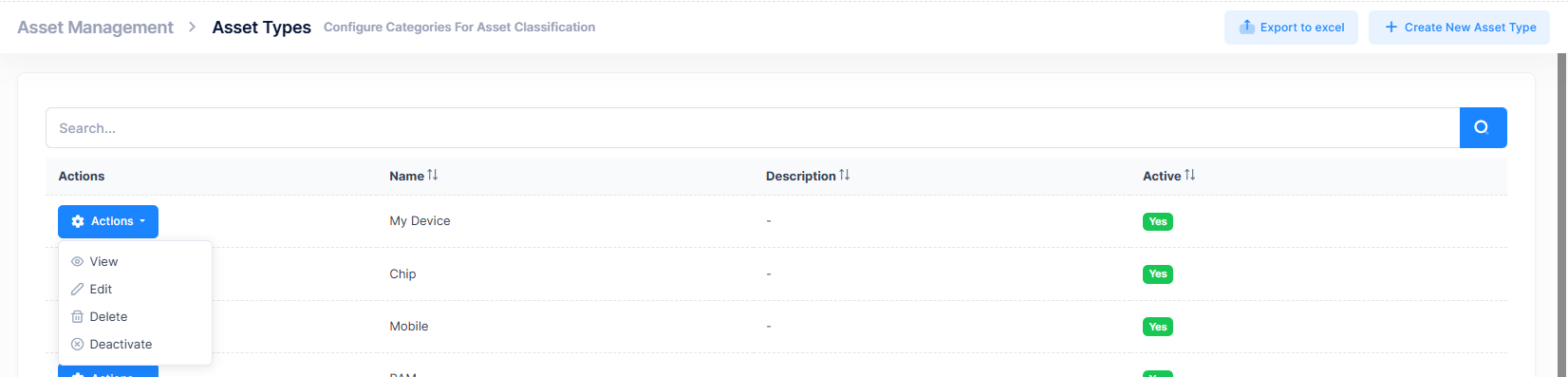
Each asset type has an Actions button with the following options:
| Action | Description |
|---|---|
| View | Open the asset type details in read-only mode |
| Edit | Modify the name, description, or status |
| Delete | Permanently remove the asset type |
| Deactivate | Hide from new asset creation while preserving existing records |
note
Use Deactivate instead of Delete to preserve historical records linked to that type.
Best Practices
- Use clear, descriptive names and avoid duplicates
- Keep naming conventions consistent across the organization
- Regularly review and deactivate obsolete types