Visual Settings
Overview
The Visual Settings module customizes the appearance and layout of the application interface. Administrators can configure themes, layout behavior, menu appearance, toolbar settings, and footer preferences.
Navigation
Administration → Visual Settings
Theme Settings
The Theme section allows users to change the overall appearance of the application.
Available Features
-
Multiple predefined UI themes with preview thumbnails
-
Default theme selection
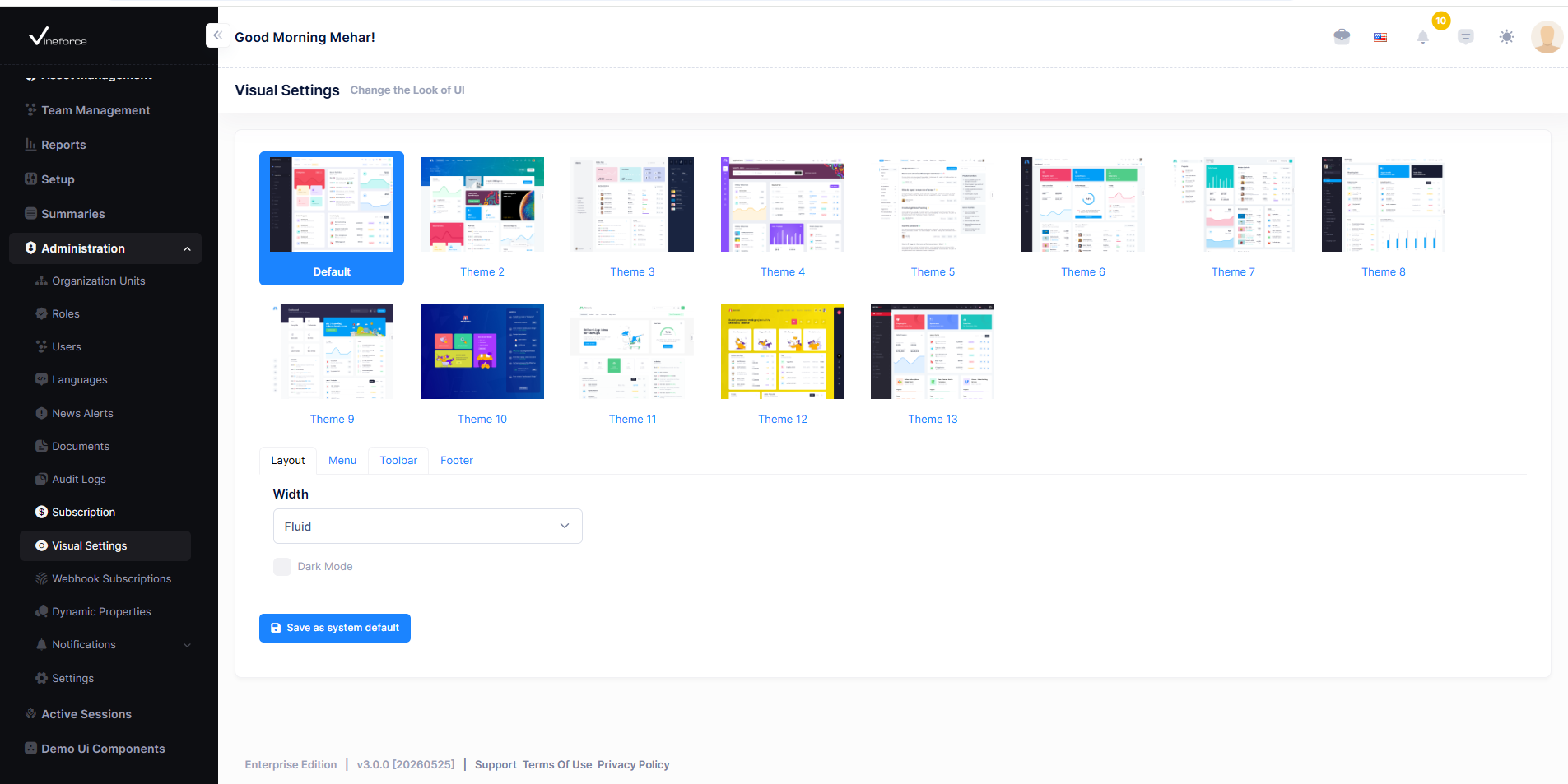
Users can preview available themes, select a preferred one, and apply it as the system default. After selecting a theme, additional customization options appear below.
Layout Settings
Controls the overall page structure and display mode.

| Option | Description |
|---|---|
| Fluid | Adjusts layout automatically based on screen size |
| Fixed | Maintains a fixed page width |
| Dark Mode | Enables a darker interface appearance |
Click Save as system default to apply.
Menu Settings
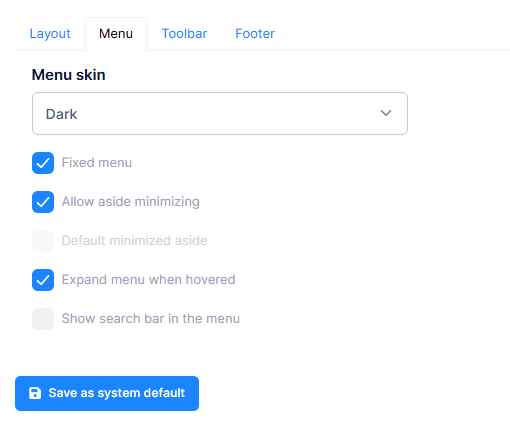
Controls sidebar appearance and behavior.
| Setting | Description |
|---|---|
| Menu Skin | Switch between Dark or Light sidebar style |
| Fixed Menu | Keeps the sidebar fixed while scrolling |
| Allow Aside Minimizing | Enables sidebar collapse functionality |
| Default Minimized Aside | Opens the sidebar in minimized mode |
| Expand Menu When Hovered | Expands minimized menu on hover |
| Show Search Bar in Menu | Displays search inside the menu |
Click Save as system default to apply.
Toolbar Settings
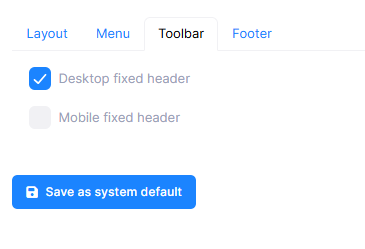
Controls header behavior across devices.
| Setting | Description |
|---|---|
| Desktop Fixed Header | Keeps the header fixed on desktop view |
| Mobile Fixed Header | Keeps the header fixed on mobile devices |
Click Save as system default to apply.
Footer Settings
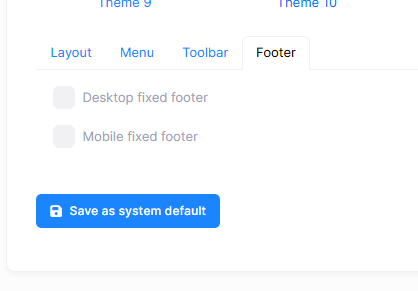
Controls footer behavior across devices.
| Setting | Description |
|---|---|
| Desktop Fixed Footer | Keeps the footer fixed on desktop screens |
| Mobile Fixed Footer | Keeps the footer fixed on mobile devices |
Click Save as system default to apply.