Settings Module
Overview
The Settings module manages application-level configurations that control system behavior, storage management, tracking preferences, and other global settings. These settings are generally managed by administrators and affect overall application functionality.
Navigation
Administration → Settings
Access Permissions
Access to the Settings module is permission-based. Only the following roles can access or modify application settings:
- System Administrators
- Authorized users
Regular users are not permitted to manage these configurations.
Available Tabs
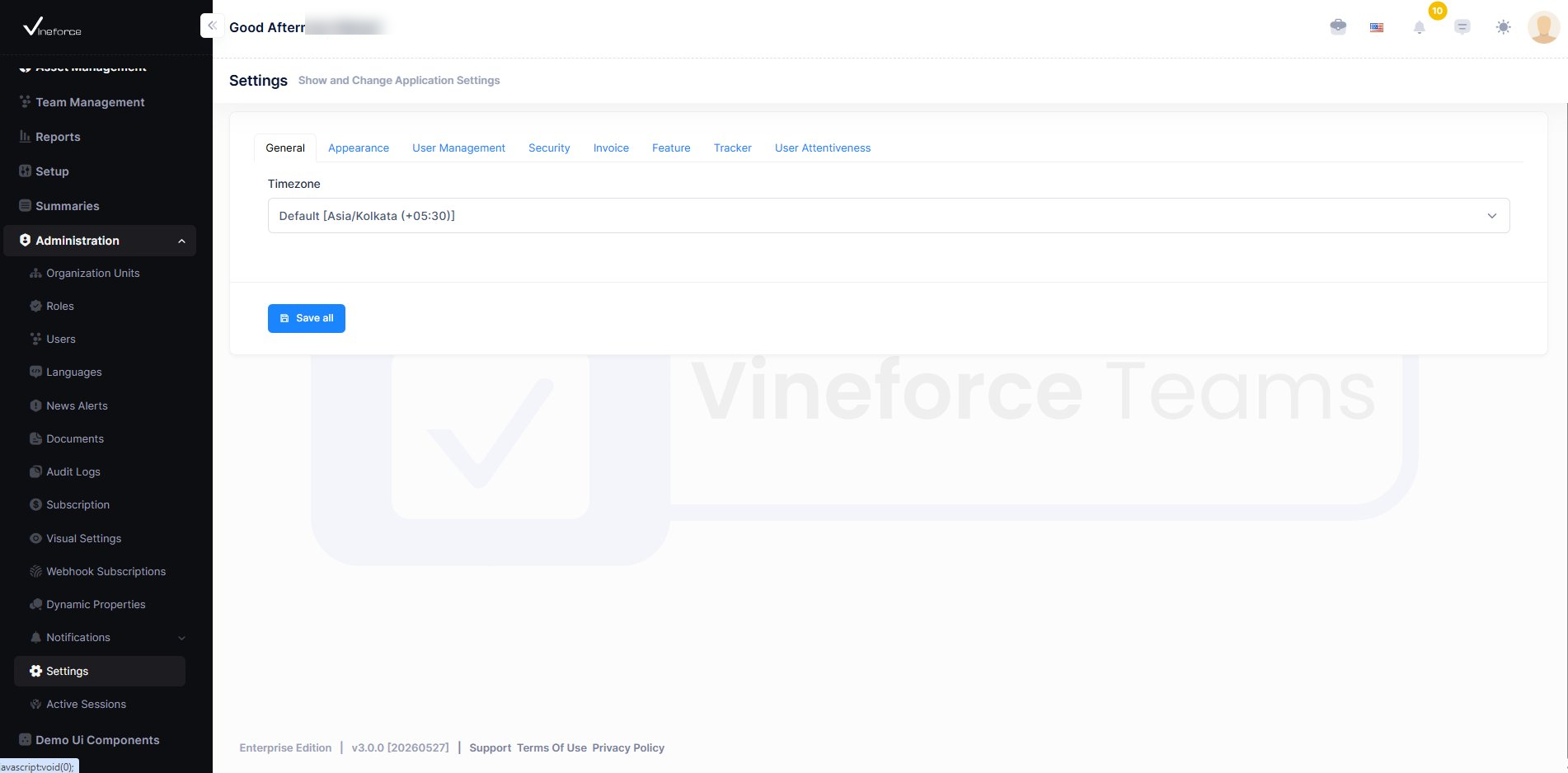
| Tab | Description |
|---|---|
| General | Core application-level configurations |
| Appearance | UI theme and display preferences |
| User Management | Manage users, roles, and permissions |
| Security | Authentication and access control settings |
| Invoice | Billing and invoice configuration |
| Feature | Storage and document retention settings |
| Tracker | Activity tracking and screenshot settings |
| User Attentiveness | Attentiveness monitoring configuration |
Feature Settings
The Feature tab configures storage integrations and document retention policies.
| Setting | Description |
|---|---|
| Azure Storage Connection String | Configures cloud storage for screenshots and uploaded documents |
| Document Expiry Time | Defines how long files are retained before automatic deletion |
Tracker Settings
The Tracker tab configures activity tracking and screenshot-related behavior.
| Setting | Description |
|---|---|
| Interval Time | Defines activity tracking frequency |
| Idle Time | Sets inactivity duration before marking users idle |
| Screenshot Settings | Controls screenshot capture behavior and image quality |
| Activity Popup Time | Configures activity reminder intervals |
| Startup Settings | Launches tracker automatically on system startup |
Saving Settings
After updating any configurations:
- Click Save All
- Updated settings will be applied successfully across the application
Benefits
- Centralized configuration management
- Flexible tracker settings
- Efficient storage management
- Improved productivity monitoring
- Better control over application behavior