Organization Units
Overview
Organization Units (OUs) organize users and entities in a hierarchical structure, helping administrators manage and retrieve users based on their assigned units.
Navigation
Administration → Organization Units
Organization Units Page
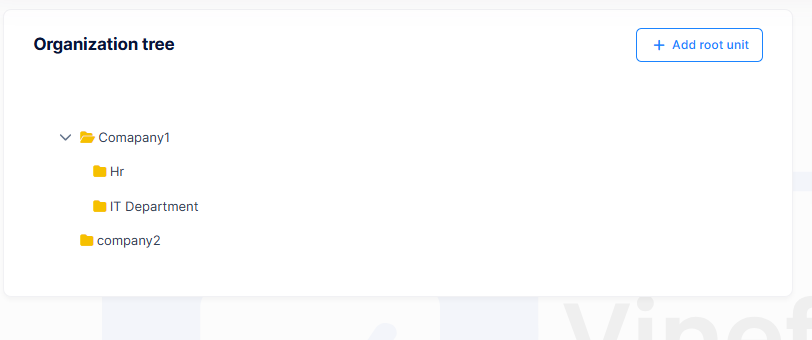
The Organization Units page contains an Organization Tree for managing the OU hierarchy.
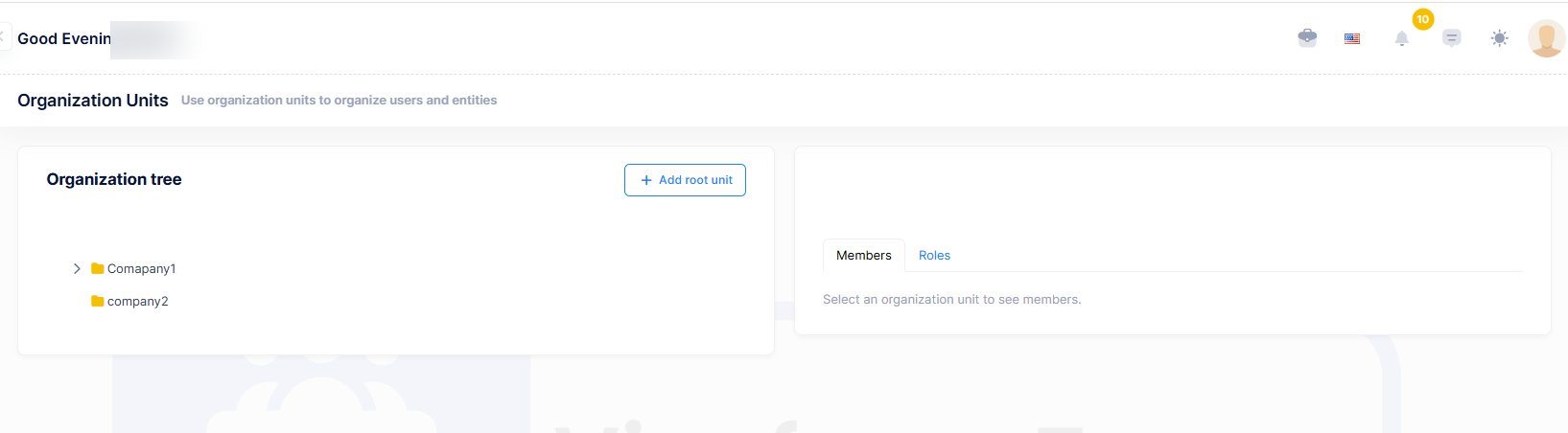
Available actions (via right-click on any unit):
- Create root organization units
- Add sub-units
- Edit organization units
- Delete organization units
- View organization unit history
Create Root Organization Unit
- Navigate to
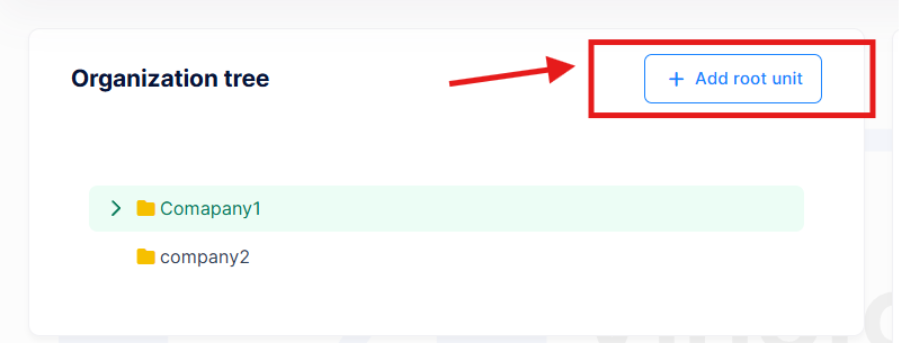
Administration → Organization Units - Click Add Root Unit
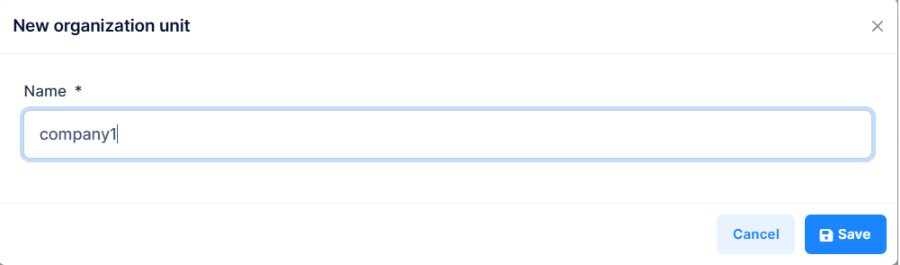
- Enter the organization unit details
- Click Save
The new root unit will appear in the Organization Tree.
Manage Organization Units
Right-click any unit in the Organization Tree to access:
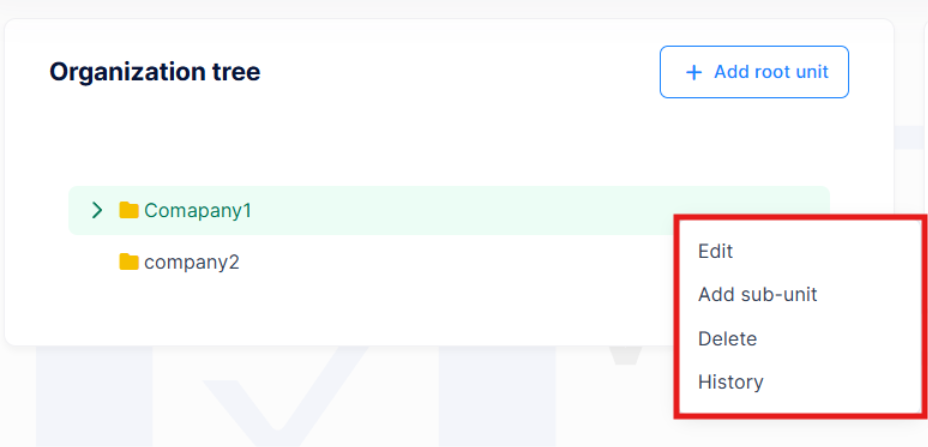
| Action | Description |
|---|---|
| Edit | Update the organization unit details |
| Add Sub-Unit | Create a child unit under the selected unit |
| Delete | Remove the organization unit |
| History | View changes made to the organization unit |
Manage Members and Roles
Select an organization unit to manage its members and roles from the right-side panel.
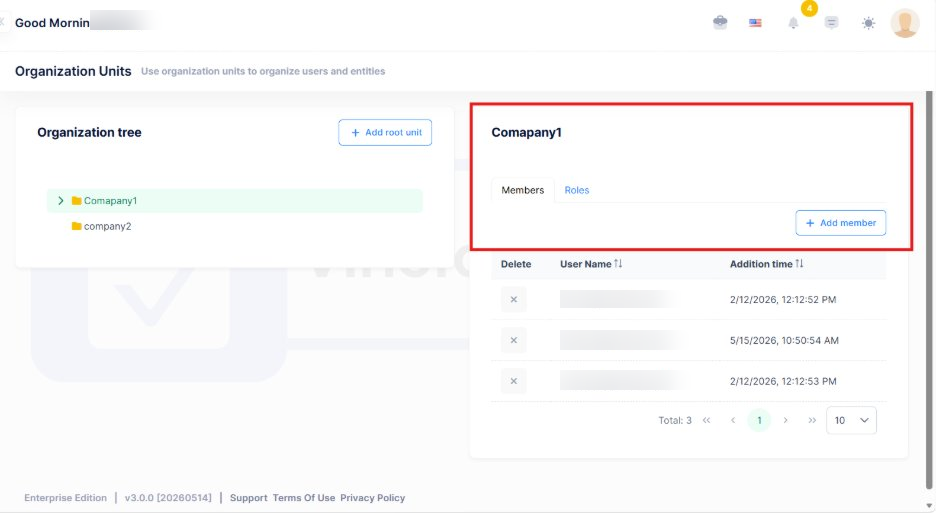
Members
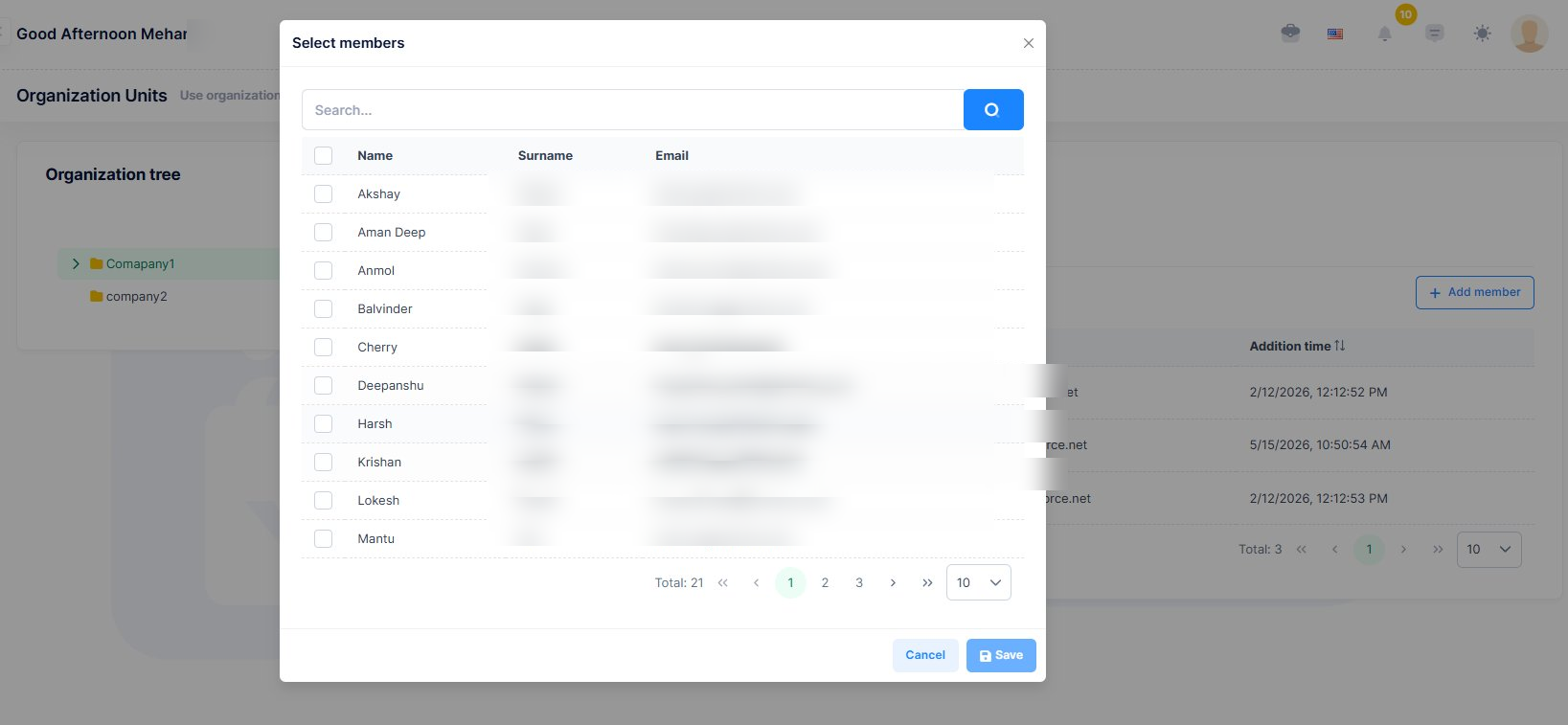
- Click Add Member to assign users to the selected unit
- A selection modal will open to choose users
Roles
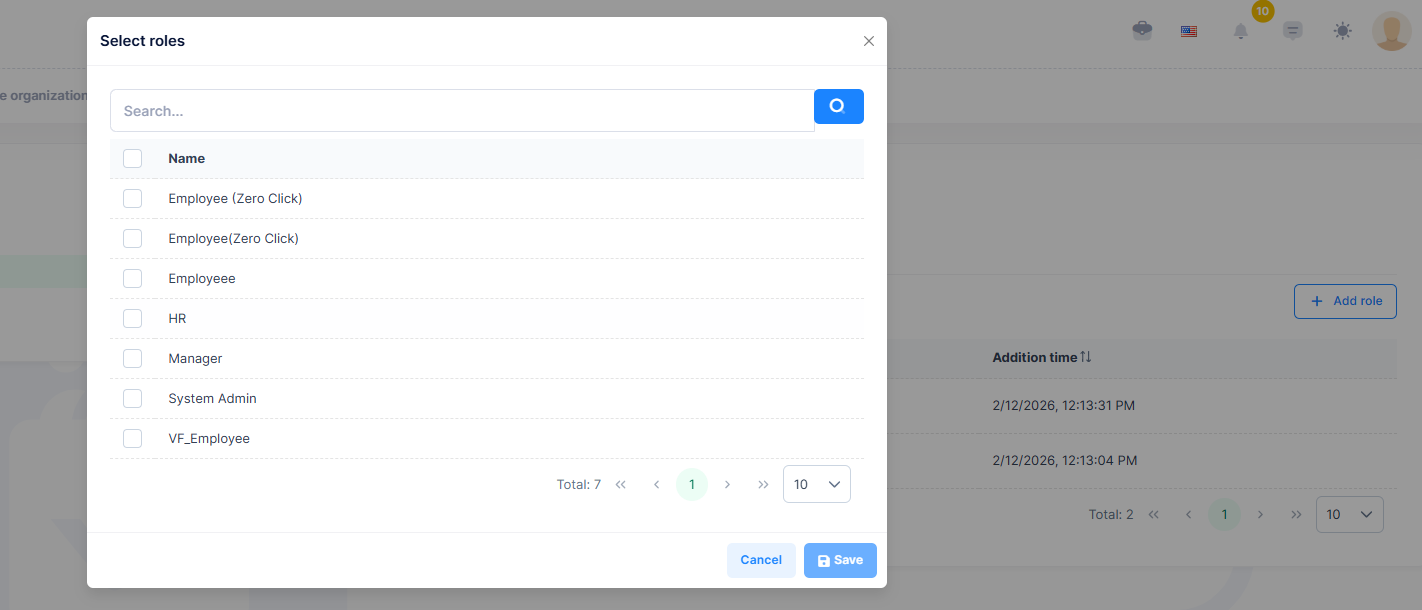
- Click the Roles tab, then Add Role to assign roles to the unit
- A selection modal will open to choose roles
Organization Tree
The Organization Tree provides a hierarchical view of all organization units, helping administrators efficiently manage structure, users, and role assignments.